
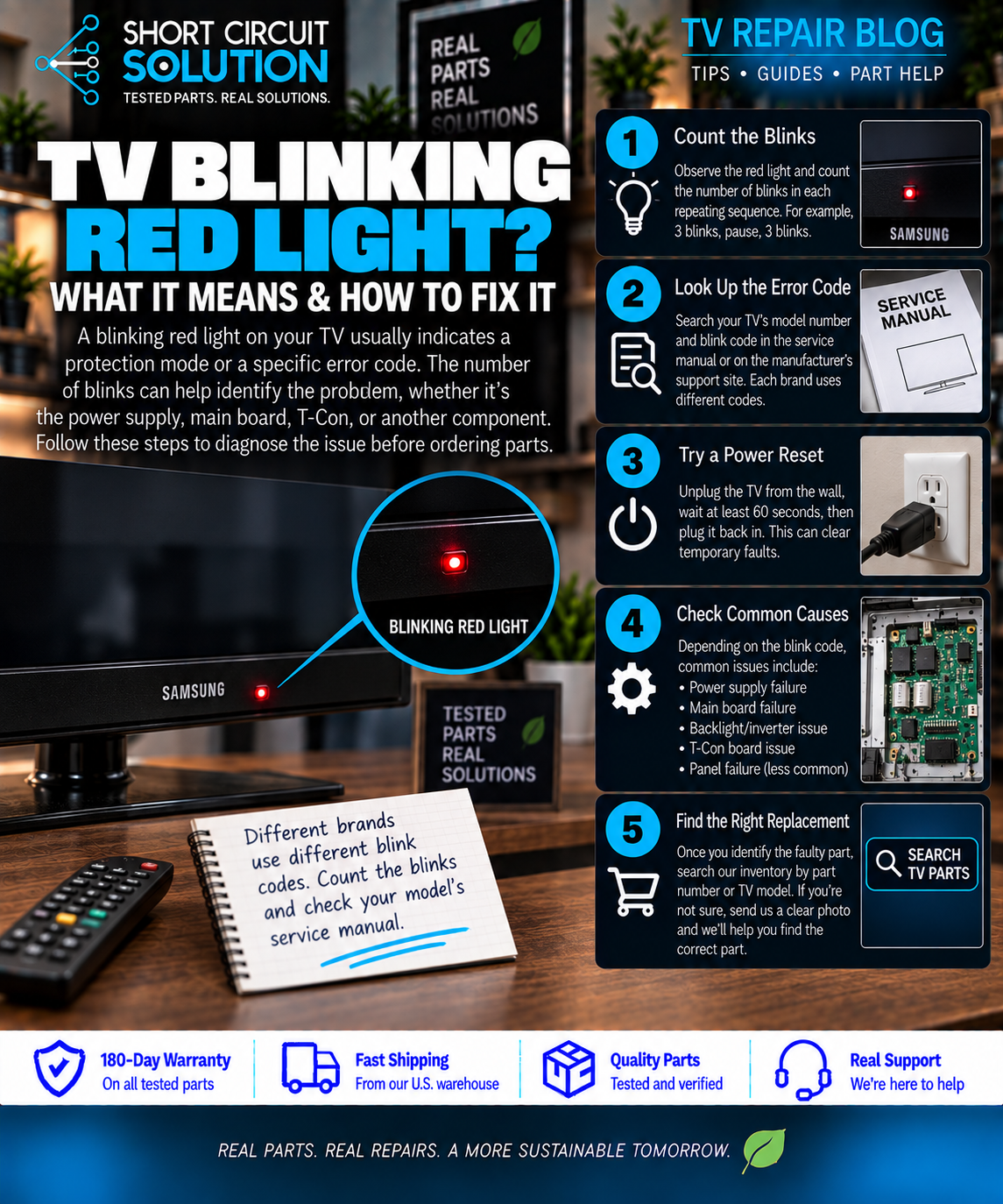
A blinking red standby light on a Samsung TV is a useful clue, but it should not be treated as a part-number diagnosis by itself. The same visible symptom can be caused by the power supply, main board, backlights, a shorted component, or a failed startup sequence.
Start by watching the exact behavior
Unplug the TV for several minutes, reconnect it directly to a known-good wall outlet, and watch what happens from the moment you press power. Note whether the red light blinks in a repeatable pattern, whether the screen flashes, whether you hear a relay click, and whether sound ever starts.
What the blink pattern does—and does not—tell you
A repeatable blink pattern can help narrow the failed section, but the meaning varies by chassis and model family. Do not order a board only because another Samsung with the same number of blinks needed that board. Use the blink count as a clue, then confirm the full model and original board part number.
Check the power and backlight clues
If the TV repeatedly attempts to start, the power board may be entering protection because of an abnormal load. If the screen briefly flashes before going dark, the backlight system deserves attention. If standby voltage is present but the TV never completes startup, the main board can also be involved.
Match the Samsung part number before ordering
Samsung board assemblies commonly use BN94 or BN44 service part numbers, while BN41 numbers are often printed on the bare PCB. For replacement purposes, the service part number is generally the safer number to match. See our Samsung part-number guide for more detail.
Before you order a replacement
Photograph the original board label, the TV model/serial label, and the connector layout. Compare those details to the replacement listing and avoid ordering only from appearance. If you are unsure, contact us with the photos before purchasing.
Short Circuit Solution stocks tested TV parts backed by our 180-Day Warranty. Match the exact part number whenever possible, and contact us if you need help confirming compatibility.
Safety note: TVs can contain hazardous voltages even when unplugged. If you are not comfortable working around electronic power supplies, use a qualified technician.