
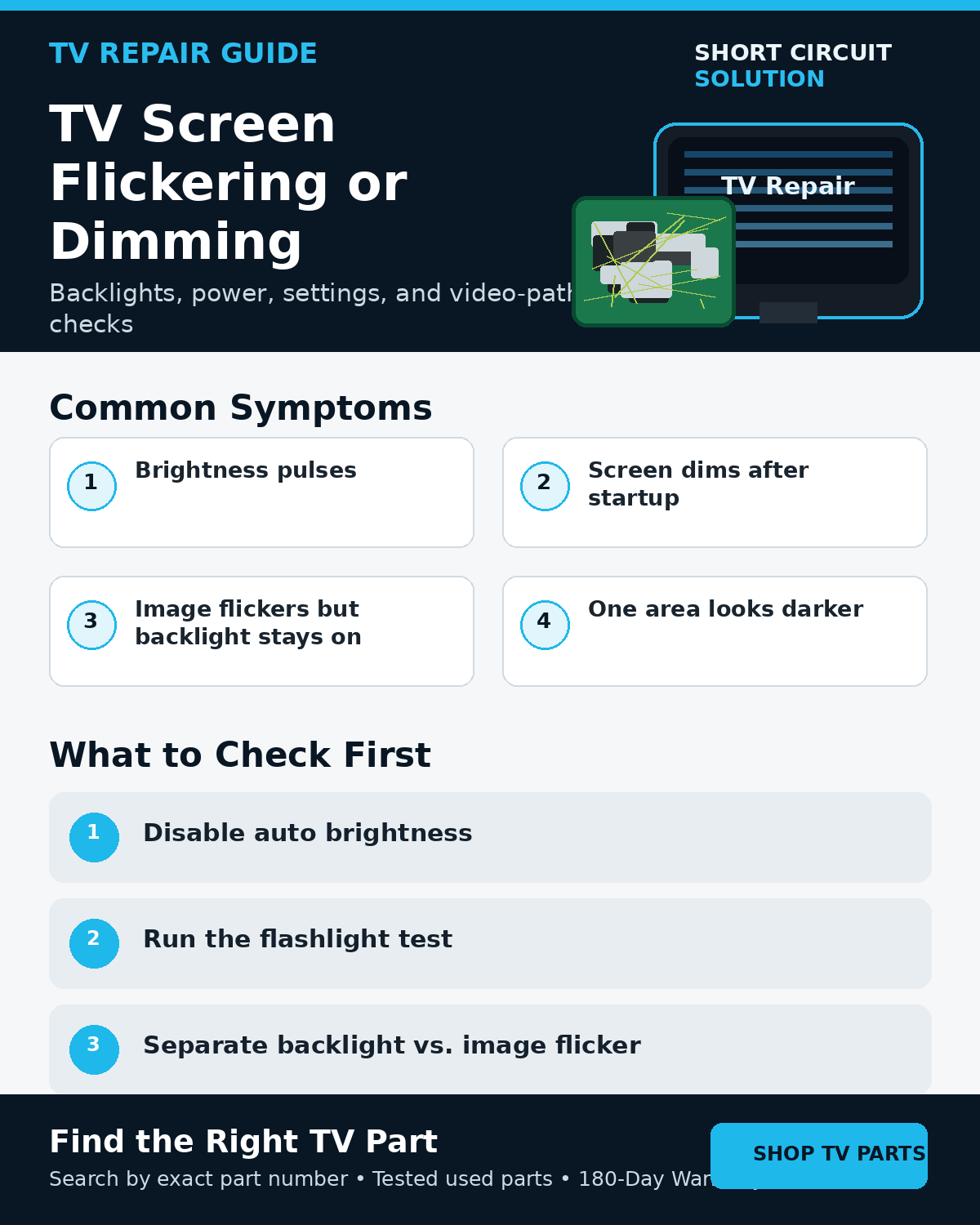
First Determine What Is Actually Flickering
Watch whether the entire screen brightness pulses or whether the displayed image itself breaks up, rolls, changes color, or develops lines. A changing backlight points you toward different systems than a stable backlight with a corrupted image.
Rule Out Picture Settings and External Sources
Temporarily disable energy-saving, ambient-light, dynamic brightness, and automatic picture features. Test the TV menu and a built-in app if available. Try another HDMI source and cable.
Backlight Problems
Failing LED strips can cause brightness pulsing, dark sections, brief flashes at startup, or a screen that goes dark while sound continues. In a dark room, the flashlight test can reveal whether a faint image is still present behind a failed backlight.
Backlight & Flashlight Test Guide
Power Supply and LED Driver Problems
The power supply or LED driver must provide stable current to the backlights. A failing driver circuit can create flicker even when the LEDs themselves are not the only issue. On many TVs the LED driver is integrated into the power board.
T-Con, Main Board, and Panel Possibilities
If the backlight stays steady but the picture flickers, tears, develops lines, or changes color, investigate the signal path. The T-Con, main board, ribbon connections, or panel electronics may be involved depending on the design.
Does the Problem Change as the TV Warms Up?
A symptom that becomes worse after several minutes can suggest a thermal or marginal electrical problem. Record the elapsed time and what changes first rather than immediately replacing a board.
Avoid Guessing From One Symptom
Flicker is a broad symptom. Combine the TV menu test, flashlight test, source isolation, startup behavior, and exact location of the visual problem before deciding what component deserves attention.
Before Ordering a Replacement
Photograph the TV model label and the complete original board. Match the exact assembly or service number and use board layout only as a secondary check.
How to Find the Correct TV Board Number
Tested Replacement TV Parts
Short Circuit Solution stocks tested used TV parts backed by our 180-Day Warranty.
Need Help With Your Repair?
Send us the model number, a photo or video of the flicker, and the original board labels if you need help narrowing the problem.
- 📞 Call us: 901-244-7219
- 📧 Email us: assistance@shortcircuitsolution.com
- 💬 Chat with us: Visit our Contact Page
Safety note: Disconnect the television from power before accessing internal components.