
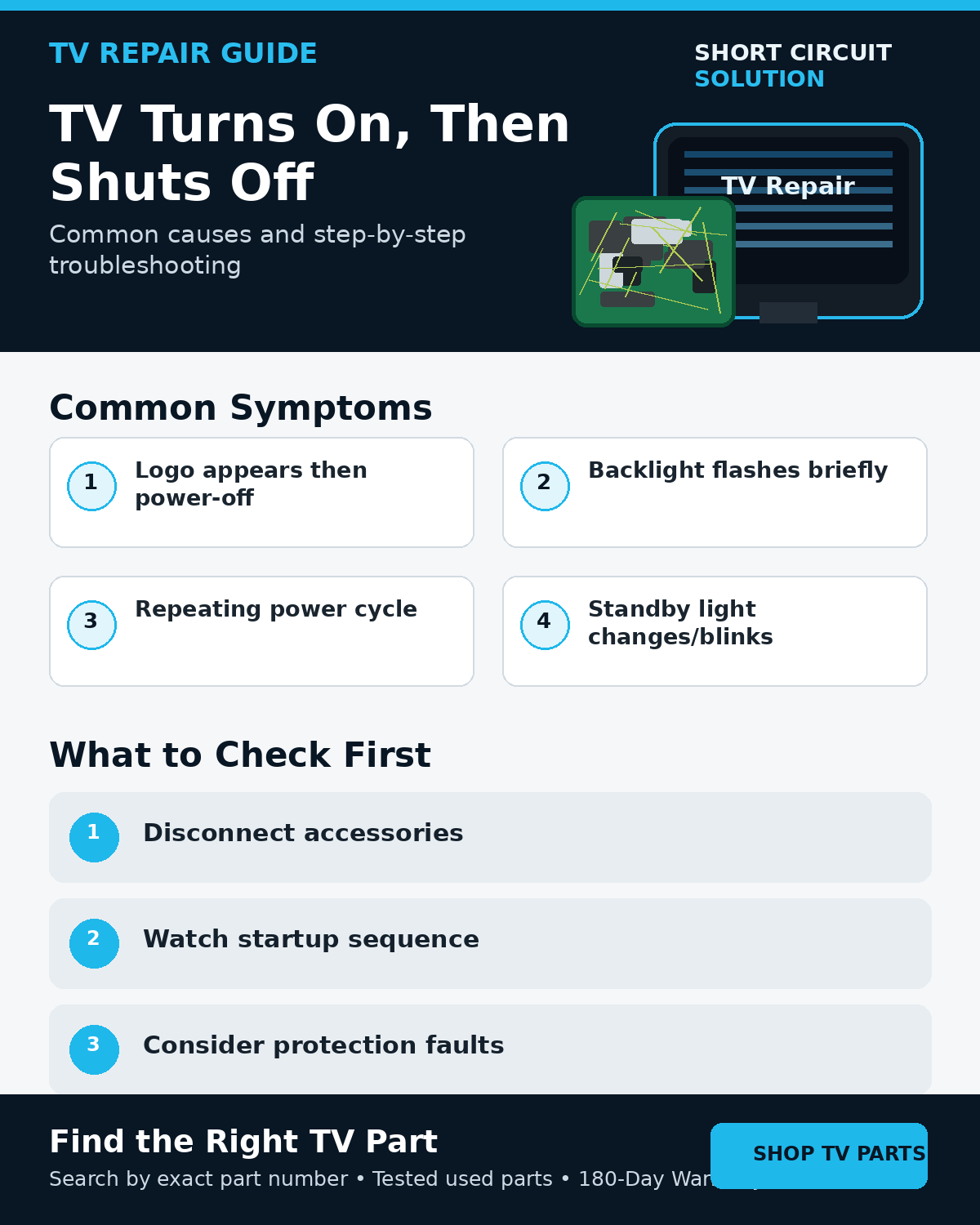
Disconnect External Devices First
Remove HDMI and USB devices, unplug the TV for about a minute, then test it by itself. A faulty source, HDMI-CEC interaction, or accessory can cause startup behavior that looks like an internal failure.
Watch the Startup Sequence Closely
Does the backlight flash? Does a logo appear? Is there sound? Does the standby light begin a repeating blink code? Does the set stay on for one second, ten seconds, or several minutes? Write down the sequence rather than relying on a general description such as “it shuts off.”
Power Supply Problems
A power supply that cannot maintain required voltages under load can allow the set to begin startup and then collapse. Visible board condition alone cannot confirm or rule out this type of fault.
Backlight Faults Can Trigger Shutdown
On some LED TVs, failing LED strips or LED-driver problems cause the television to enter protection shortly after the backlights attempt to start. If the screen flashes and goes dark, compare the symptom with the flashlight-test guide.
TV Backlight Troubleshooting Guide
Main Board and Reboot Problems
A main-board fault can create reboot loops, frozen startup logos, or repeated power cycling. If the TV consistently reaches the same point in startup before restarting, note what is visible or audible immediately before the failure.
Protection May Be Doing Its Job
A shutdown does not automatically mean the power board itself is bad. Another failing circuit can pull down a voltage rail or report an abnormal condition, causing the television to shut itself off to prevent further damage.
Blink Codes Can Add Context
If the standby LED begins a repeating pattern after shutdown, count it carefully and use service information for the exact model. Do not order a board from the blink count alone.
Before Ordering Parts
Record the complete TV model, photograph the original board labels, and match the exact assembly/service number. If the symptom points to multiple possible systems, contact us before buying several boards by trial and error.
How to Identify the Correct Board
Tested Replacement TV Parts
Short Circuit Solution stocks tested used TV parts backed by our 180-Day Warranty.
Need Help With Your Repair?
Send us the complete model, startup behavior, blink pattern if present, and original board-label photos.
- 📞 Call us: 901-244-7219
- 📧 Email us: assistance@shortcircuitsolution.com
- 💬 Chat with us: Visit our Contact Page
Safety note: Disconnect the television from power before accessing internal components.