
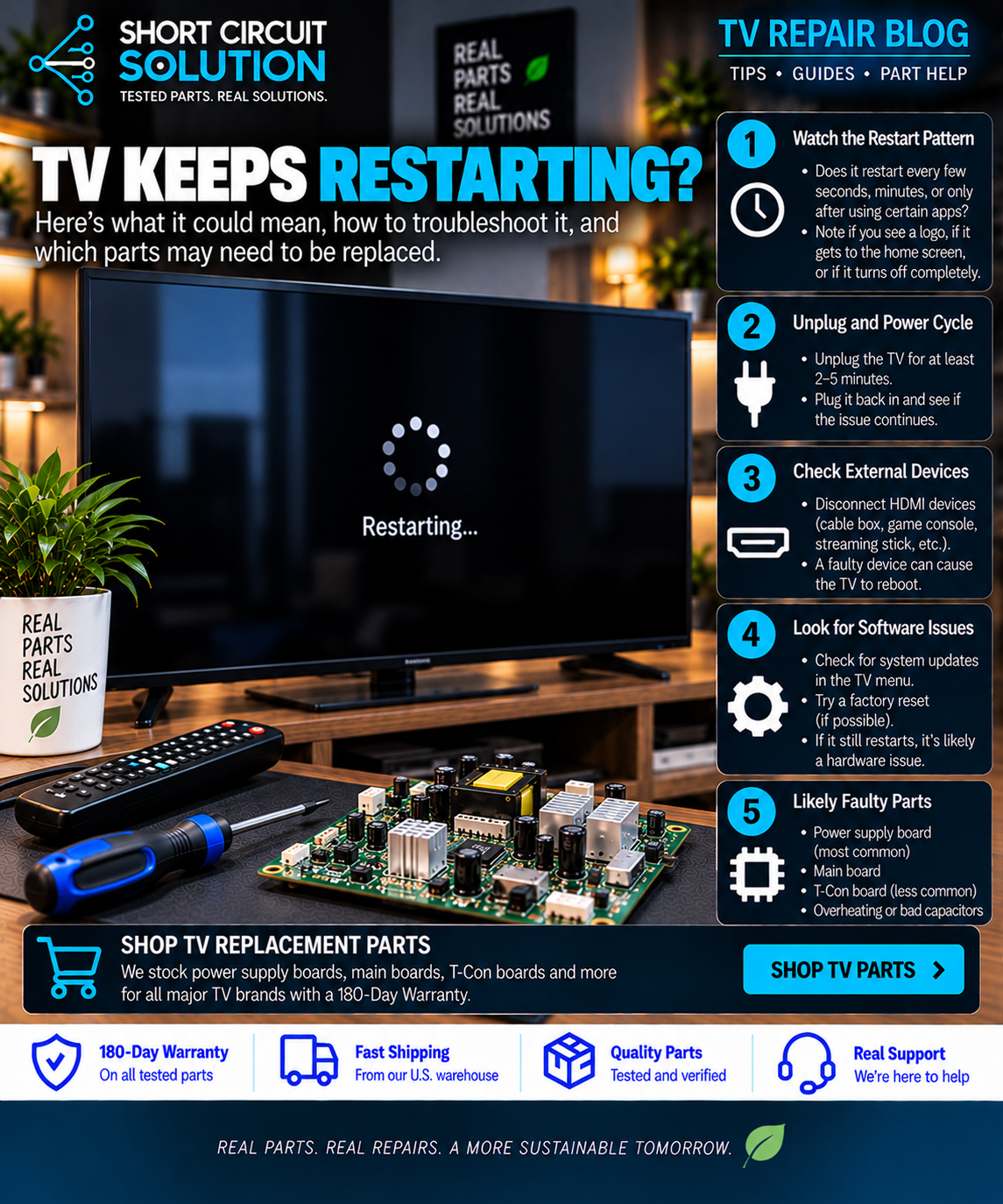
A Samsung TV that repeatedly turns on, shows the logo, shuts off, and starts again is usually reacting to a fault rather than simply needing a reset. The pattern can come from the power supply, main board, backlight protection circuit, or software stored on the main board.
Start With the Restart Pattern
Watch exactly what the TV does. Does the Samsung logo appear every time? Does the screen light briefly and go dark? Does the standby light cycle with the restart? These details help separate a boot problem from a power or backlight shutdown.
Common Causes of a Samsung Boot Loop
1. Main Board or Software Failure
If the TV reaches the Samsung logo and then restarts, the main board is a strong suspect. Corrupted software, failing memory, or a hardware fault on the board can interrupt startup.
2. Power Supply Instability
A weak power board may start normally but lose regulation as load increases. Inspect for visible damage and, when qualified, verify the output voltages against the board markings.
3. Backlight Protection
Failing LED strips can cause the driver circuit to shut down and retry. If the picture flashes for a moment before each restart, compare the symptoms with our TV backlight troubleshooting guide.
4. External Devices
Disconnect HDMI devices, USB devices, soundbars, and network cables before assuming a board has failed. A problematic peripheral can occasionally interfere with startup.
Before Ordering a Board
Use the exact number printed on the original board. Samsung main boards commonly use numbers beginning with BN94, while power boards commonly use BN44. See our Samsung part-number guide before ordering.
Need Help With Your Repair?
If you are unsure which part you need, send us your TV model number, the exact part number from the original board, and a few clear photos. Our team can help you verify the match before you order.
Short Circuit Solution sells tested replacement TV parts backed by our 180-Day Warranty. We recommend matching by the original part number whenever possible instead of relying on appearance alone.
Safety note: Disconnect power before opening a TV. Power-supply sections can retain dangerous voltage after the set is unplugged. If you are not comfortable working around electronics, use a qualified technician.