
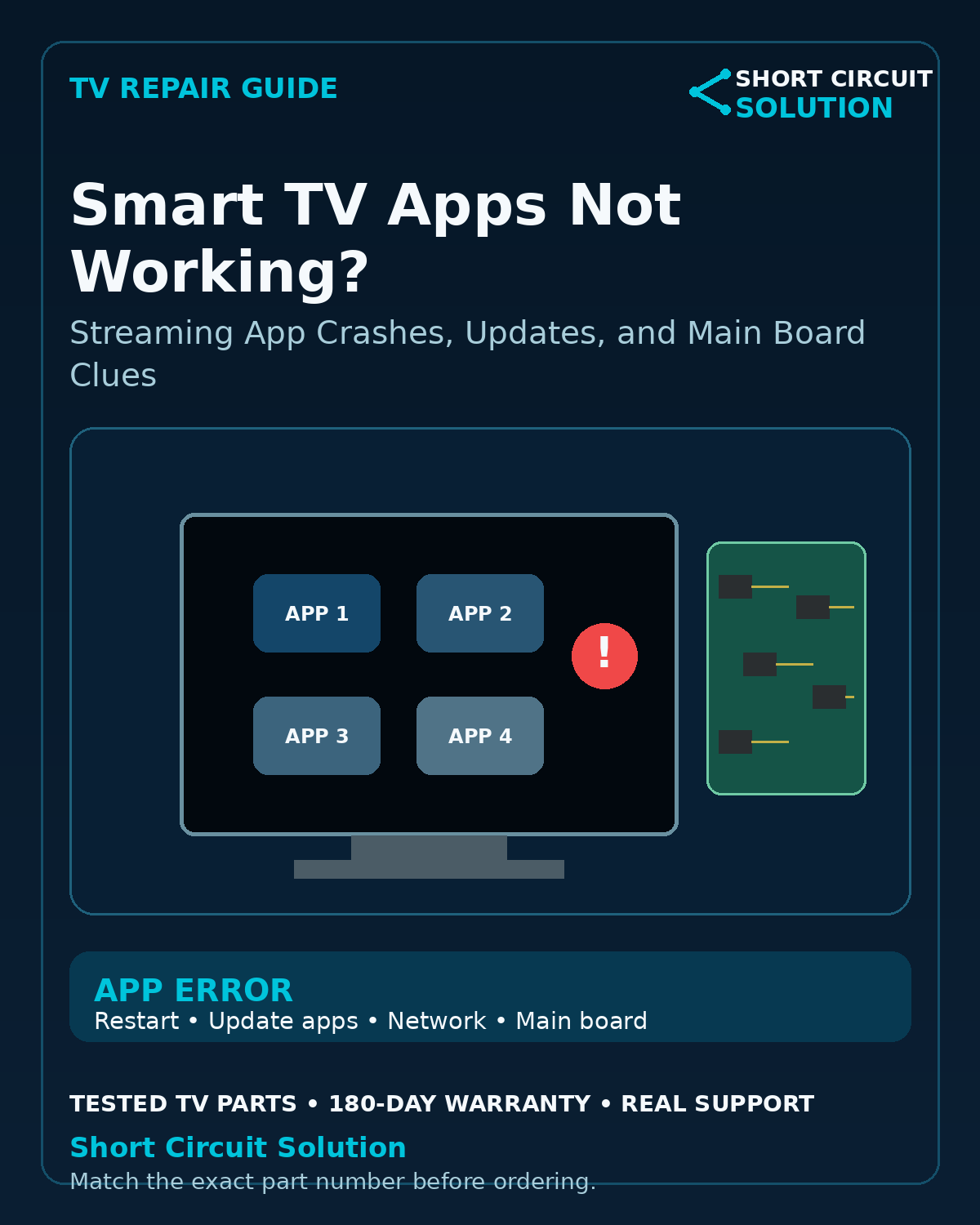
Check Whether One App or Every App Is Failing
If only one streaming service has a problem, check that app's account status and service availability before troubleshooting the television. If every app fails, focus on the TV's network and software environment.
Restart the TV and Network
Fully restart the television rather than only turning the screen off. Restart the router as well, then verify the TV can load another internet service.
Check for App and TV Software Updates
Outdated apps or firmware can cause sign-in failures, crashes, or compatibility problems. Use the manufacturer's normal update process when the TV remains stable enough to complete it.
Verify Date, Time, and Available Storage
Incorrect system time can interfere with secure connections, while very low internal storage can cause app installation or update problems on some platforms.
Test a Wired Connection if Possible
If apps work over Ethernet but fail over Wi-Fi, the problem may be in the wireless path rather than the app platform itself.
Smart TV Wi-Fi Troubleshooting Guide
When the Main Board Becomes a Stronger Suspect
If the TV repeatedly freezes, reboots, loses settings, fails multiple apps, and shows other smart-TV or input problems, the main board or its onboard storage can become a stronger possibility.
Do Not Replace a Board for a Service Outage
Streaming providers occasionally have outages or discontinue support for older TV platforms. Confirm the problem is local to the television before buying hardware.
Match the Exact Main Board
If diagnosis points to hardware, identify the complete assembly/service number from the original board and compare the TV model and version.
Tested Replacement TV Parts
Short Circuit Solution stocks tested used TV boards and components backed by our 180-Day Warranty.
Need Help With Your Repair?
Send us the complete TV model number, a clear description of the symptom, and photos of the original board labels if you need help identifying the correct replacement part.
- 📞 Call us: 901-244-7219
- 📧 Email us: assistance@shortcircuitsolution.com
- 💬 Chat with us: Visit our Contact Page
Safety note: Disconnect the television from power before accessing internal components. TVs can contain hazardous voltages and fragile circuitry.