
Start With Fresh Batteries
Install known-good batteries in the correct direction and clean visible corrosion from the battery contacts. If the remote has a pairing procedure, follow the manufacturer instructions for that model.
Test an Infrared Remote With a Phone Camera
Many infrared remotes produce a flashing light that can be seen through a phone camera while a button is pressed. If no flash appears, the remote itself may be the problem. Some newer phones filter infrared, so this test is not universal.
Try the TV's Physical Buttons
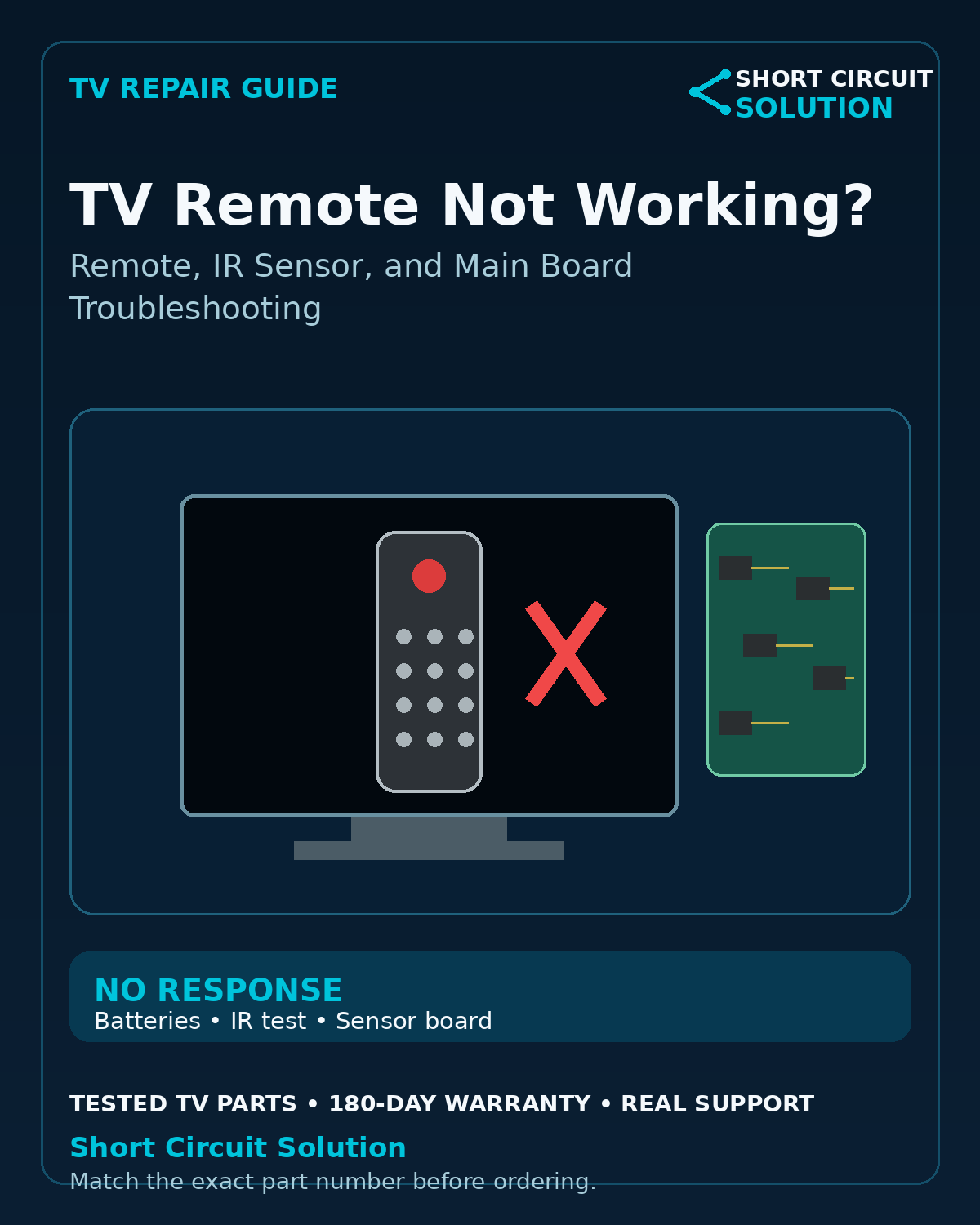
If the TV responds normally to the buttons on the set, the power supply and basic control system are operating. That narrows the issue toward the remote, IR receiver, Bluetooth pairing, or related control circuitry.
IR Sensor / Button Board Problems
Many TVs use a small board near the bottom bezel that contains the IR receiver, status LED, and physical buttons. A damaged cable or failed sensor board can make a working remote appear dead.
Bluetooth and Voice Remotes Are Different
Some smart-TV remotes use Bluetooth for navigation or voice functions while retaining infrared for power. Pairing failures, wireless-module faults, or main-board issues can affect those features differently.
When the Main Board May Be Involved
If the IR board and remote test correctly but the television ignores valid commands, the main board's control path may be involved. Verify the exact architecture before ordering parts.
Match Small Boards by Part Number Too
IR boards, button boards, and wireless modules can have similar-looking revisions. Photograph the original label and match every character whenever possible.
TV Part Number Identification Guide
Tested Replacement TV Parts
Short Circuit Solution stocks tested TV boards and modules backed by our 180-Day Warranty.
Need Help With Your Repair?
Send us the complete TV model number, a clear description of the symptom, and photos of the original board labels if you need help identifying the correct replacement part.
- 📞 Call us: 901-244-7219
- 📧 Email us: assistance@shortcircuitsolution.com
- 💬 Chat with us: Visit our Contact Page
Safety note: Disconnect the television from power before accessing internal components. TVs can contain hazardous voltages and fragile circuitry.