
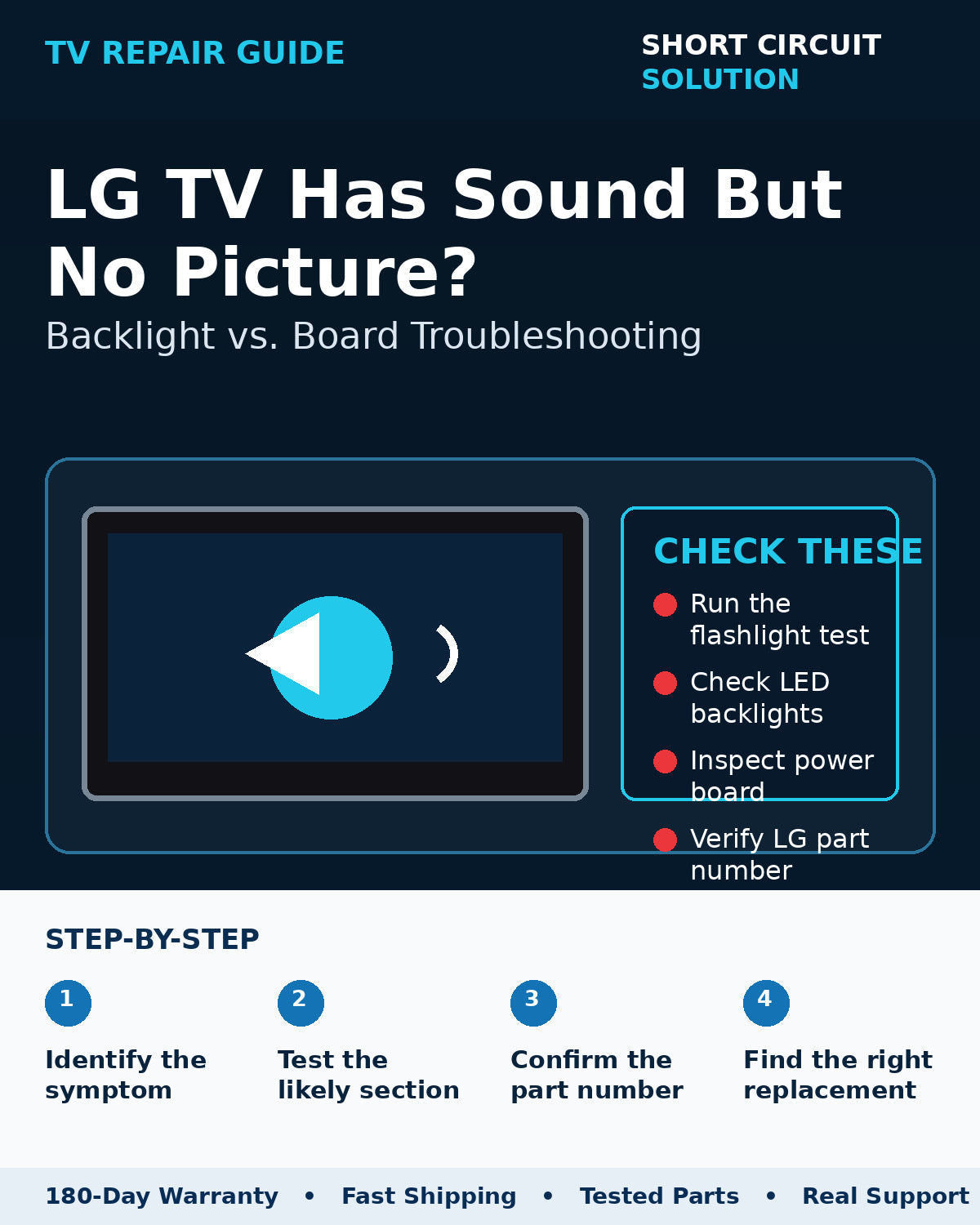
An LG TV that produces normal sound but no visible picture has already given you an important clue: at least part of the TV is booting and processing audio. The next step is determining whether the image is present but unlit, or whether the video path itself has failed.
Run the flashlight test first
With the TV on and playing a known source, darken the room and shine a bright flashlight across the screen at an angle. If you can see a faint moving image, the LCD image path is working and the failure is more likely in the LED backlights or the LED-driver/power section.
If there is no faint image
No visible image during the flashlight test can shift attention toward the T-Con board, main board video output, panel connections, or the panel itself. A known-good source and on-screen menu test help eliminate an external HDMI device.
Watch for a brief flash at startup
A picture that appears for a fraction of a second and immediately goes dark is a classic clue that the backlight circuit is attempting to start and then shutting down. That does not prove the LED strips are bad, but it makes the backlight system a strong area to test.
Use the LG service part number
LG boards may show EBT, EBR, EAY, and EAX numbers. These do not all serve the same purpose when matching replacements. Review our LG TV part-number guide before ordering.
Before you order a replacement
Photograph the original board label, the TV model/serial label, and the connector layout. Compare those details to the replacement listing and avoid ordering only from appearance. If you are unsure, contact us with the photos before purchasing.
Short Circuit Solution stocks tested TV parts backed by our 180-Day Warranty. Match the exact part number whenever possible, and contact us if you need help confirming compatibility.
Safety note: TVs can contain hazardous voltages even when unplugged. If you are not comfortable working around electronic power supplies, use a qualified technician.