
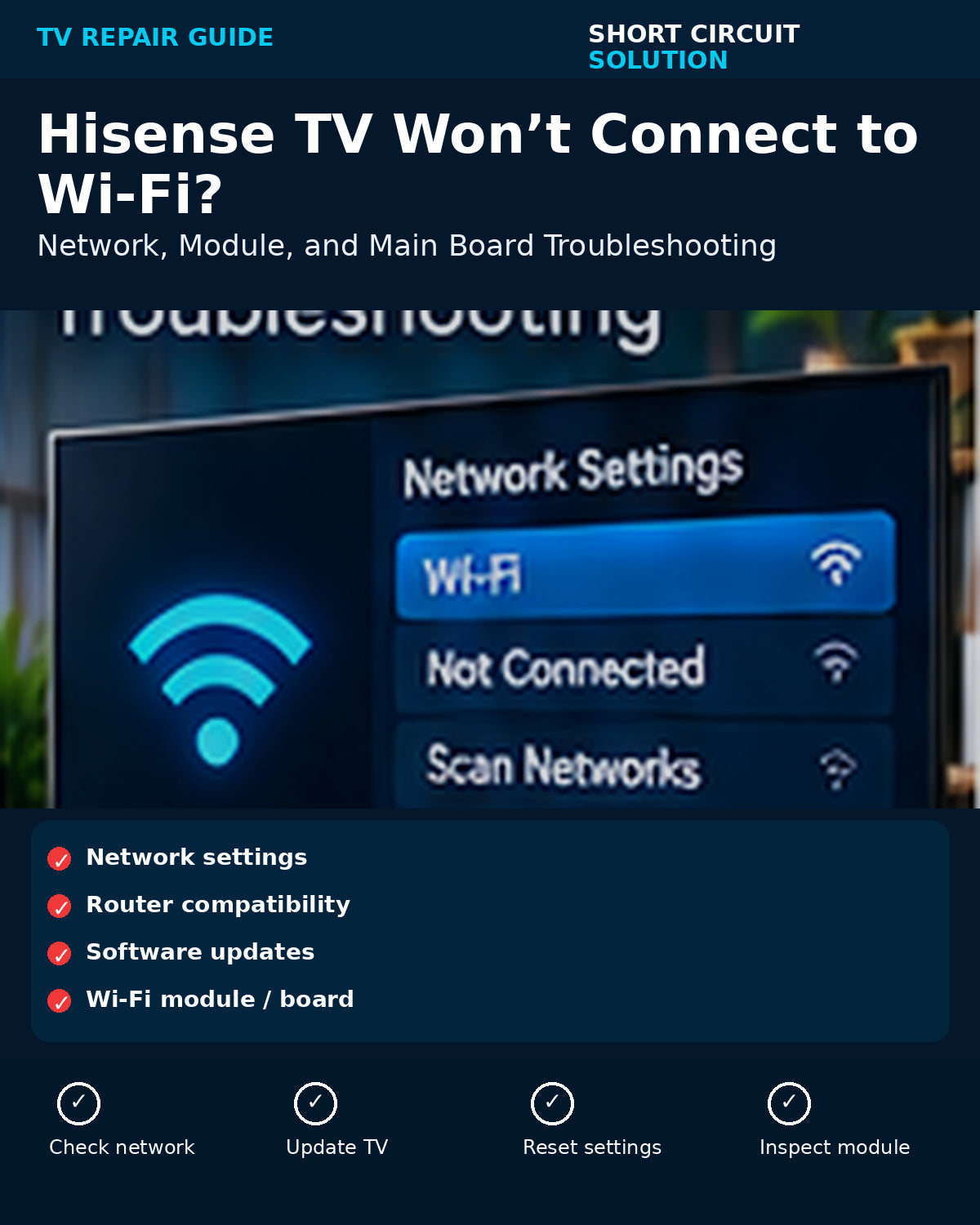
A Hisense TV that will not connect to Wi-Fi does not automatically need a main board. Network settings, router compatibility, software, the Wi-Fi module, and the main board can all create similar symptoms.
Check Whether the TV Can See Networks
If nearby networks appear but your home network will not connect, start with the router, password, band, and security settings. If no networks appear at all, hardware becomes more suspicious.
Restart the Network Path
Power-cycle the TV and router, forget the saved network, reconnect, and test a phone hotspot if available. A hotspot test can quickly separate a TV problem from a router problem.
Update or Reset the TV
If the TV can connect intermittently, check for software updates and consider a network reset before a full factory reset. Software problems can mimic hardware failures.
Wi-Fi Module vs. Main Board
Some Hisense models use a separate wireless module; others integrate more of the network circuitry with the main board. Inspect the internal module and its cable only with power disconnected.
When Replacement Makes Sense
If the TV cannot detect networks, Bluetooth is also affected, and resets do not help, the wireless module or main board may be the next logical component to test.
Need Help With Your Repair?
If you are unsure which part you need, send us your TV model number, the exact part number from the original board, and a few clear photos. Our team can help you verify the match before you order.
Short Circuit Solution sells tested replacement TV parts backed by our 180-Day Warranty. We recommend matching by the original part number whenever possible instead of relying on appearance alone.
Safety note: Disconnect power before opening a TV. Power-supply sections can retain dangerous voltage after the set is unplugged. If you are not comfortable working around electronics, use a qualified technician.