
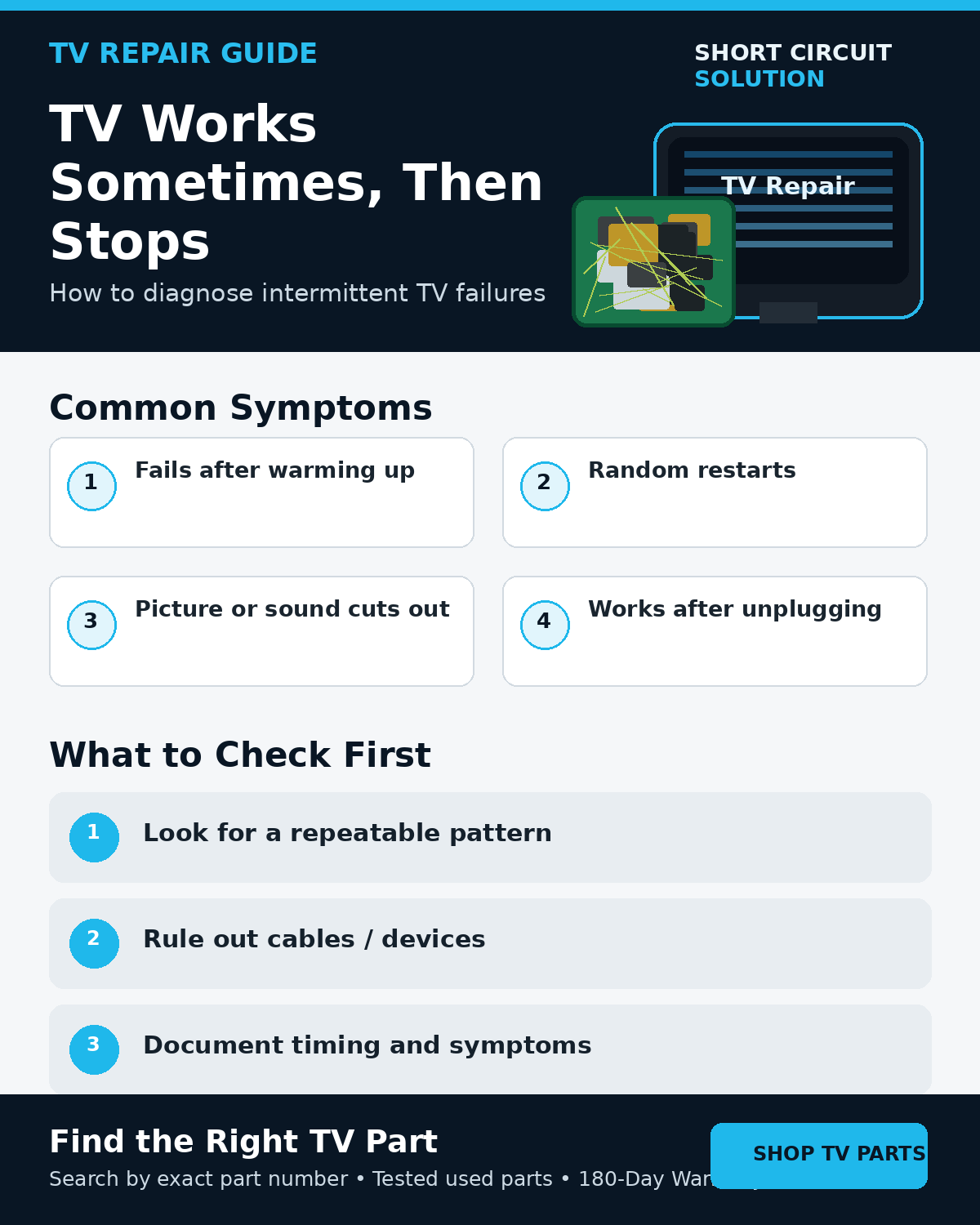
Why Intermittent TV Problems Are Difficult
A television that works perfectly for an hour and then fails can be harder to diagnose than a completely dead set. Heat, loose connections, marginal power rails, aging components, software behavior, and external devices can all create inconsistent symptoms.
Look for a Repeatable Pattern
- Does the failure occur only after the TV warms up?
- Does it happen during bright scenes or high backlight levels?
- Does moving a cable or the TV change the symptom?
- Does one HDMI device trigger it?
- Does the set recover after being unplugged for a while?
A repeatable pattern is valuable because it tells you what changed immediately before the failure.
Remove External Variables
Disconnect HDMI, USB, antenna, and network accessories and test the TV in the simplest configuration possible. Replace suspect external cables and test a different outlet.
Heat-Related Failures
If the problem appears after a similar amount of operating time, heat may be affecting a marginal component or connection. Make sure ventilation openings are clear and the TV has normal airflow.
Intermittent Power or Shutdown Problems
A weakening power supply, failing LED backlight strip, or another circuit that begins drawing abnormal current can cause a TV to shut down after warming up. Record whether the backlight goes out first, whether audio continues, and what the standby light does.
TV Turns On Then Shuts Off Guide
Intermittent Picture Problems
If only the picture fails while sound continues, compare the symptom with the flashlight test, screen-lines guide, and T-Con symptoms. Knowing whether the actual image disappears or only the backlight goes dark can significantly narrow the diagnosis.
Document the Failure Before Replacing Parts
Take a short video of the symptom and note the TV model, elapsed run time, standby-light behavior, sound, picture, and any pattern. This gives you a baseline to compare after each troubleshooting step.
Match Parts Exactly
If testing eventually points to a board, use the exact part number from the original component instead of assuming every board from the TV model is interchangeable.
Part Number Identification Guide
Tested Replacement TV Parts
Short Circuit Solution stocks tested used TV parts backed by our 180-Day Warranty.
Need Help With Your Repair?
Send us the complete model, photos, and a short description of when the failure happens.
- 📞 Call us: 901-244-7219
- 📧 Email us: assistance@shortcircuitsolution.com
- 💬 Chat with us: Visit our Contact Page
Safety note: Disconnect the television from power before accessing internal components.