
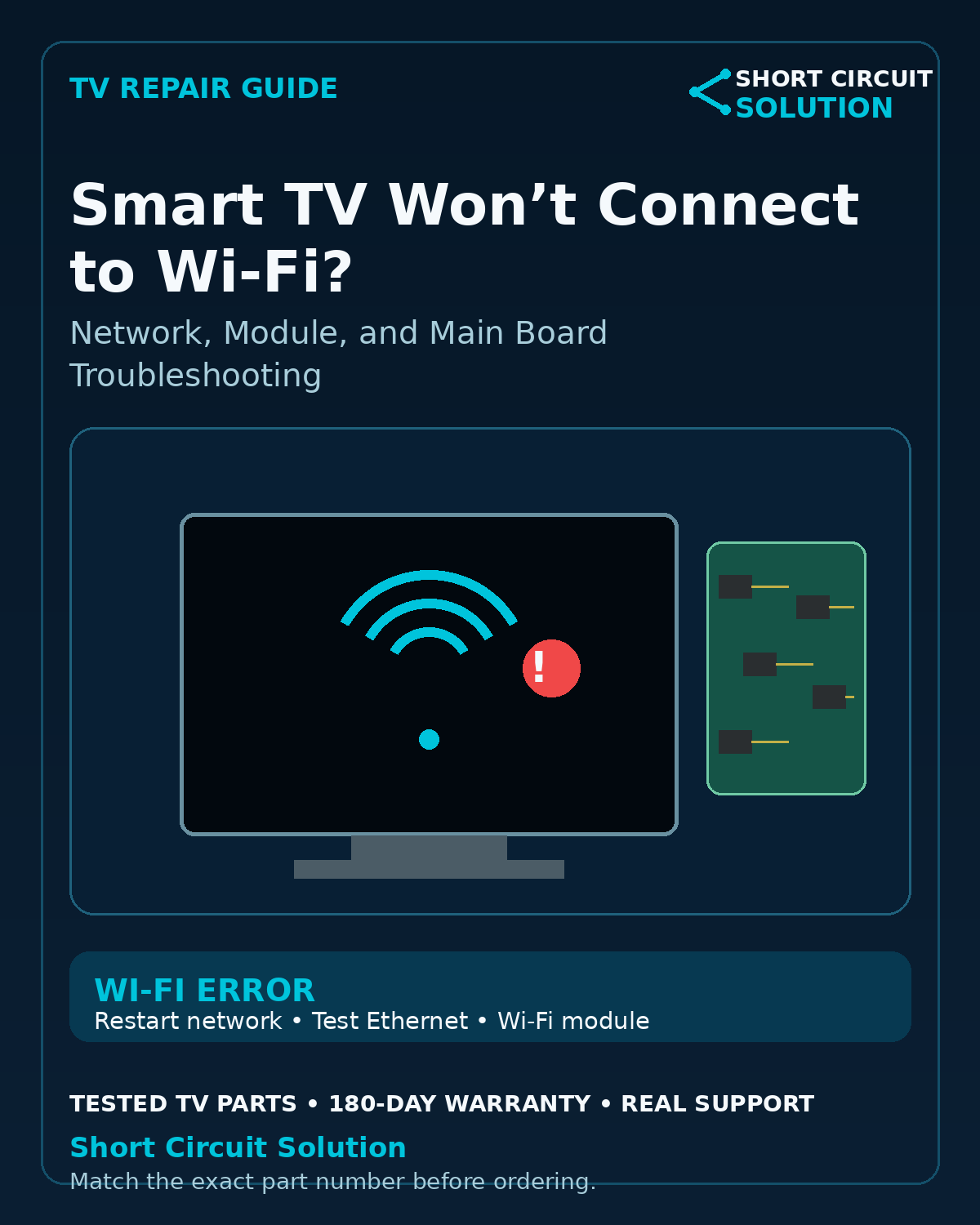
Confirm the Network Works First
Verify that another phone or computer can connect to the same Wi-Fi network. Restart the modem/router and the television, then try the connection again.
Forget and Reconnect to the Network
Remove the saved Wi-Fi network from the TV and reconnect using the correct password. If the TV can see nearby networks but not yours, check router band, channel, and security settings.
Test Ethernet if the TV Has a Network Port
If a wired Ethernet connection works while Wi-Fi does not, the internet service and most smart-TV software are functioning. That narrows the problem toward the wireless path, antenna, module, or main board.
Check the TV's Date, Time, and Software
Incorrect system time or outdated firmware can interfere with secure network connections on some smart TVs. Use the manufacturer's update procedure when the set can still access updates safely.
Wi-Fi Module vs. Main Board
Some TVs use a separate Wi-Fi/Bluetooth module connected by a cable, while others integrate wireless functions into the main board. If Wi-Fi and Bluetooth fail together, inspect the model's design before ordering a replacement.
Look for a Repeatable Symptom
Note whether the TV sees zero networks, connects and immediately drops, works only near the router, or fails after warming up. Those details are more useful than simply describing the TV as “offline.”
Before Ordering Parts
Record the full TV model and suffix, then photograph the original wireless module and main-board labels. Match the exact part number rather than appearance alone.
Tested Replacement TV Parts
Short Circuit Solution stocks tested used TV parts backed by our 180-Day Warranty.
Need Help With Your Repair?
Send us the complete TV model number, a clear description of the symptom, and photos of the original board labels if you need help identifying the correct replacement part.
- 📞 Call us: 901-244-7219
- 📧 Email us: assistance@shortcircuitsolution.com
- 💬 Chat with us: Visit our Contact Page
Safety note: Disconnect the television from power before accessing internal components. TVs can contain hazardous voltages and fragile circuitry.