
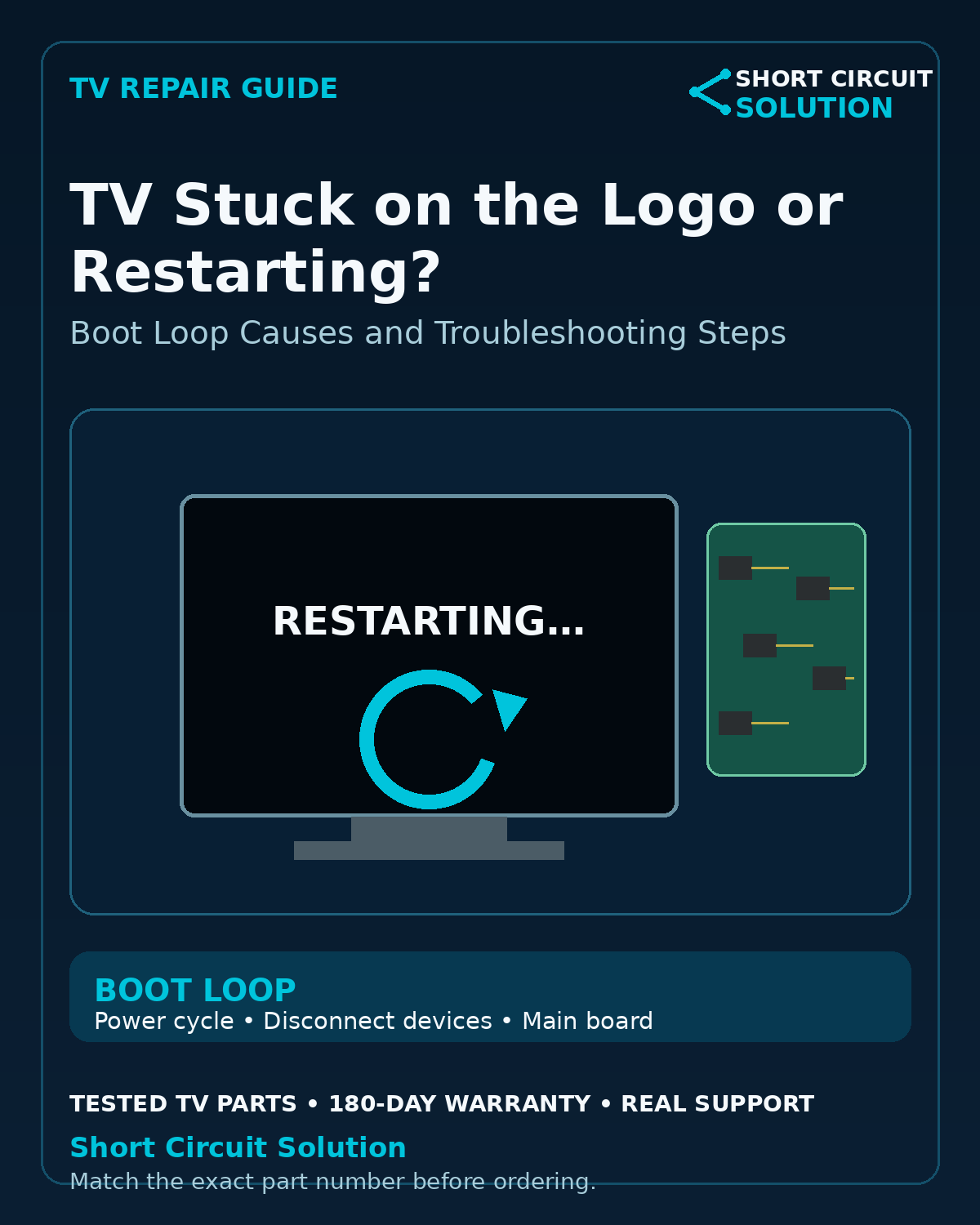
Disconnect Everything External
Remove HDMI devices, USB drives, network cables, and accessories. Unplug the TV for about a minute, reconnect only power, and test whether the boot loop changes.
Watch Exactly Where Startup Fails
Does the brand logo appear every time? Does the home screen briefly load? Does the backlight shut off before the restart? A repeatable point of failure can separate a software-like boot problem from a power or protection issue.
Power Supply Problems Can Mimic a Boot Loop
If the power supply cannot maintain stable voltage under load, the TV may restart as soon as additional circuits activate. Listen for relay clicks and note whether the standby light changes during each cycle.
Power Supply Board Troubleshooting
Main Board and Storage Failures
Smart TVs rely on onboard storage and processors to load firmware. Failing storage or other main-board hardware can cause frozen logos, repeated reboots, or a set that never reaches the home screen.
Use Model-Specific Reset Procedures Carefully
A factory reset can help when settings or software are corrupted, but reset methods vary by manufacturer and model. Avoid random service-menu changes because they can create configuration problems that did not exist before.
Do Not Assume a Firmware Download Will Fix Hardware
If the TV cannot remain powered long enough to complete startup, or the same failure persists after appropriate reset steps, hardware diagnosis becomes more important.
Match the Exact Main Board
Main-board replacements can differ by firmware, tuner, region, and panel configuration. Use the complete assembly or service number from the original board.
Part Number Identification Guide
Tested Replacement TV Parts
Short Circuit Solution stocks tested used TV parts backed by our 180-Day Warranty.
Need Help With Your Repair?
Send us the complete TV model number, a clear description of the symptom, and photos of the original board labels if you need help identifying the correct replacement part.
- 📞 Call us: 901-244-7219
- 📧 Email us: assistance@shortcircuitsolution.com
- 💬 Chat with us: Visit our Contact Page
Safety note: Disconnect the television from power before accessing internal components. TVs can contain hazardous voltages and fragile circuitry.