
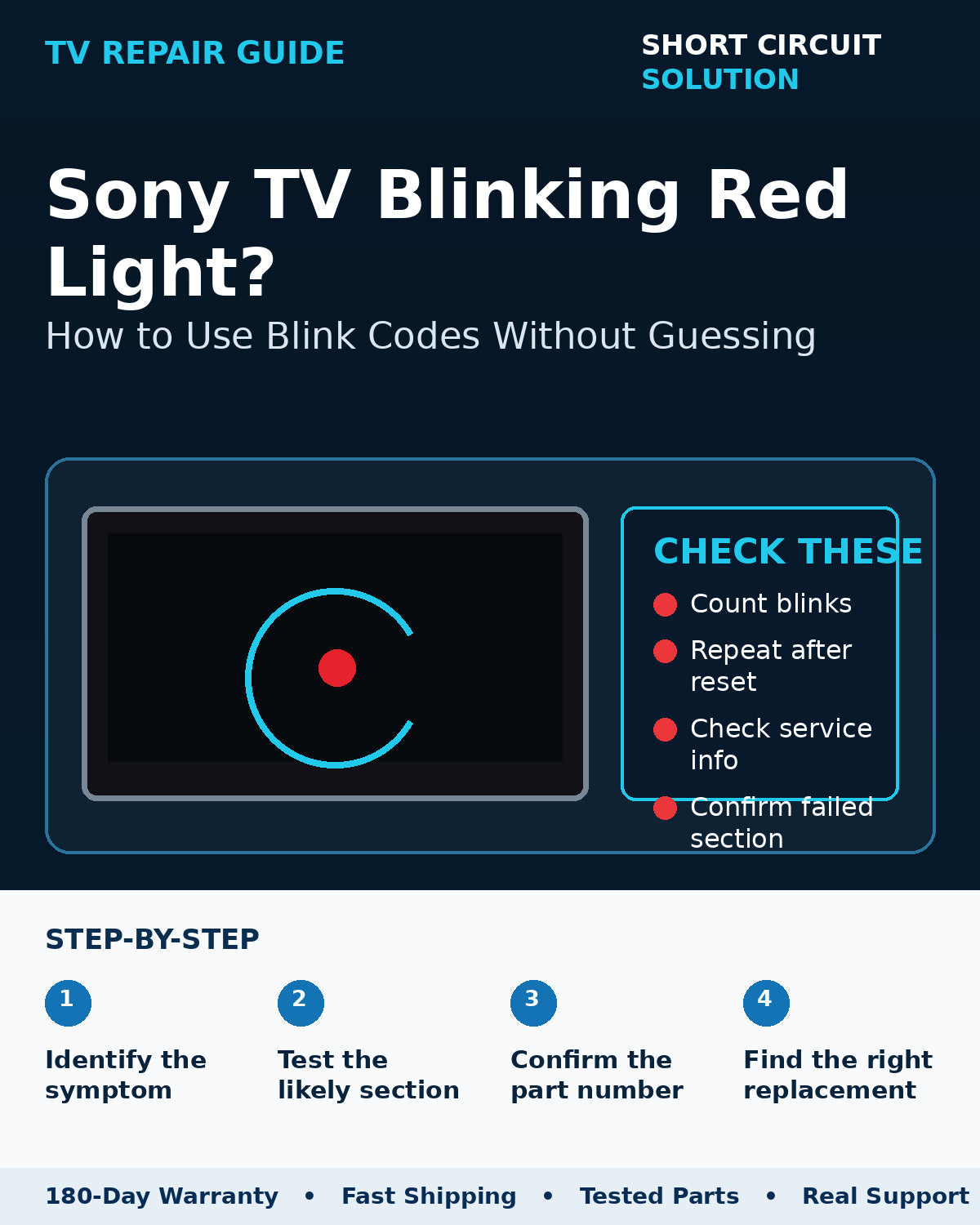
Sony televisions often use a repeating red-light pattern when a protection circuit detects a problem. The key is to count the blinks accurately and then interpret that pattern for the exact model or chassis—not from a random TV that happens to blink the same number of times.
Count one complete cycle
Watch the indicator long enough to identify the number of blinks followed by the longer pause. Repeat the count several times so you know the pattern is consistent.
Power-cycle before condemning a board
Disconnect AC power for several minutes, remove external devices, and try a known-good outlet. If the same protection pattern returns immediately, document it before opening the TV.
Use model-specific service information
The same blink count can point to different circuits across Sony generations. Treat the code as a direction for testing—not as a guaranteed instruction to replace a particular board.
Verify the replacement part number
Sony boards can have several numbers printed on them. Compare the complete service part number and board revision whenever possible. Our Sony part-number guide can help.
Before you order a replacement
Photograph the original board label, the TV model/serial label, and the connector layout. Compare those details to the replacement listing and avoid ordering only from appearance. If you are unsure, contact us with the photos before purchasing.
Short Circuit Solution stocks tested TV parts backed by our 180-Day Warranty. Match the exact part number whenever possible, and contact us if you need help confirming compatibility.
Safety note: TVs can contain hazardous voltages even when unplugged. If you are not comfortable working around electronic power supplies, use a qualified technician.