
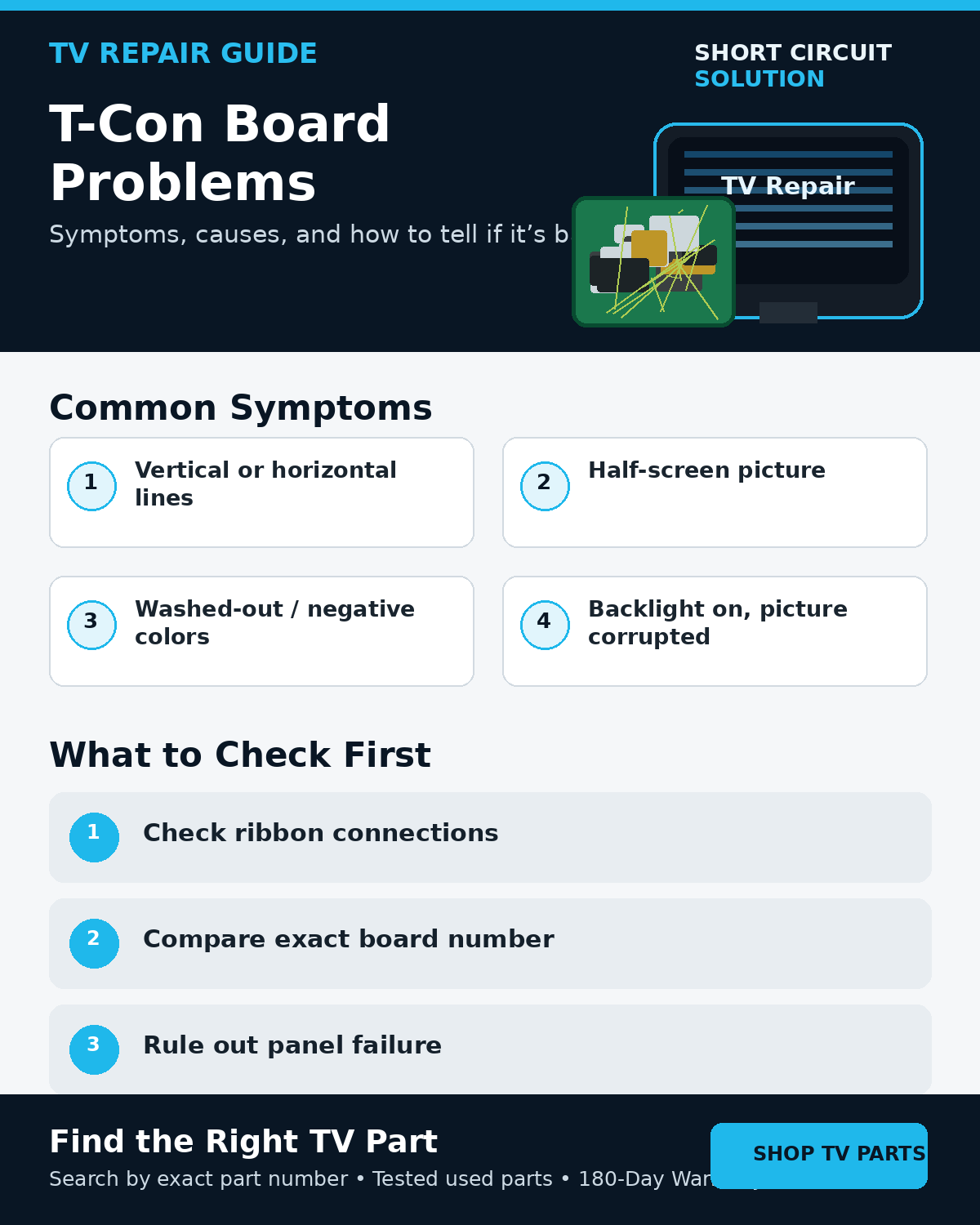
What Does a T-Con Board Do?
The timing control board, commonly called the T-Con, helps convert video data from the main board into the precisely timed signals required by the LCD panel. On many televisions it sits between the main board and panel ribbon cables. Other designs integrate some or all of this function into the display assembly, so not every TV has a separate replaceable T-Con.
Common Symptoms That Can Point to a T-Con Problem
- Vertical or horizontal lines across the picture.
- One half of the screen displaying incorrectly.
- Washed-out, negative, solarized, or badly distorted colors.
- A lit screen with no usable picture.
- Image breakup that affects the TV menu as well as external sources.
These symptoms are useful clues, but none of them proves the T-Con is bad. A panel fault, damaged ribbon connection, main-board video problem, or power issue can produce similar results.
Rule Out the Source First
Open the TV's built-in menu. If the menu itself is distorted, the problem is more likely inside the TV. If the menu looks normal and only one HDMI device is affected, test another source and cable before replacing internal parts.
Inspect the Signal Path Safely
Disconnect the television from power before removing the rear cover. Inspect accessible LVDS and ribbon connections for crooked seating, contamination, torn contacts, or physical damage. Do not repeatedly reconnect delicate panel ribbons or operate the TV with connectors partly seated.
T-Con vs. Main Board vs. Panel
A main-board fault can corrupt video before it ever reaches the T-Con. A panel fault can create fixed lines, half-screen defects, or distortion that looks almost identical to a T-Con failure. If a single line stays in exactly the same location on every menu and input, panel driver circuitry becomes an important possibility.
Read the Screen Lines Troubleshooting Guide
Use the Exact Part Number Before Ordering
Never match a T-Con by appearance alone. Find the assembly or service number on the original board or label, record the complete TV model and suffix, and compare both with the replacement listing. Similar-looking boards may be programmed or configured for different panels.
How to Find the Correct TV Board Part Number
Before You Buy a Replacement T-Con
- Confirm the problem appears on the TV's own menu.
- Record the full TV model and version.
- Photograph the complete original board and every label.
- Inspect ribbon and LVDS connections with power disconnected.
- Consider whether the symptom is more consistent with a panel fault.
- Match the complete part number before ordering.
Tested Replacement TV Parts
Short Circuit Solution stocks tested used TV boards and components. When diagnosis points to a replaceable board, search using the exact number from the original component. Our tested used parts are backed by our 180-Day Warranty.
Need Help With Your Repair?
If you are unsure whether the T-Con, main board, or panel is responsible, send us the complete TV model number and clear photos of the original board labels.
- 📞 Call us: 901-244-7219
- 📧 Email us: assistance@shortcircuitsolution.com
- 💬 Chat with us: Visit our Contact Page
Safety note: Always disconnect the television from power before accessing internal components. TVs can contain hazardous voltages and fragile panel circuitry.