
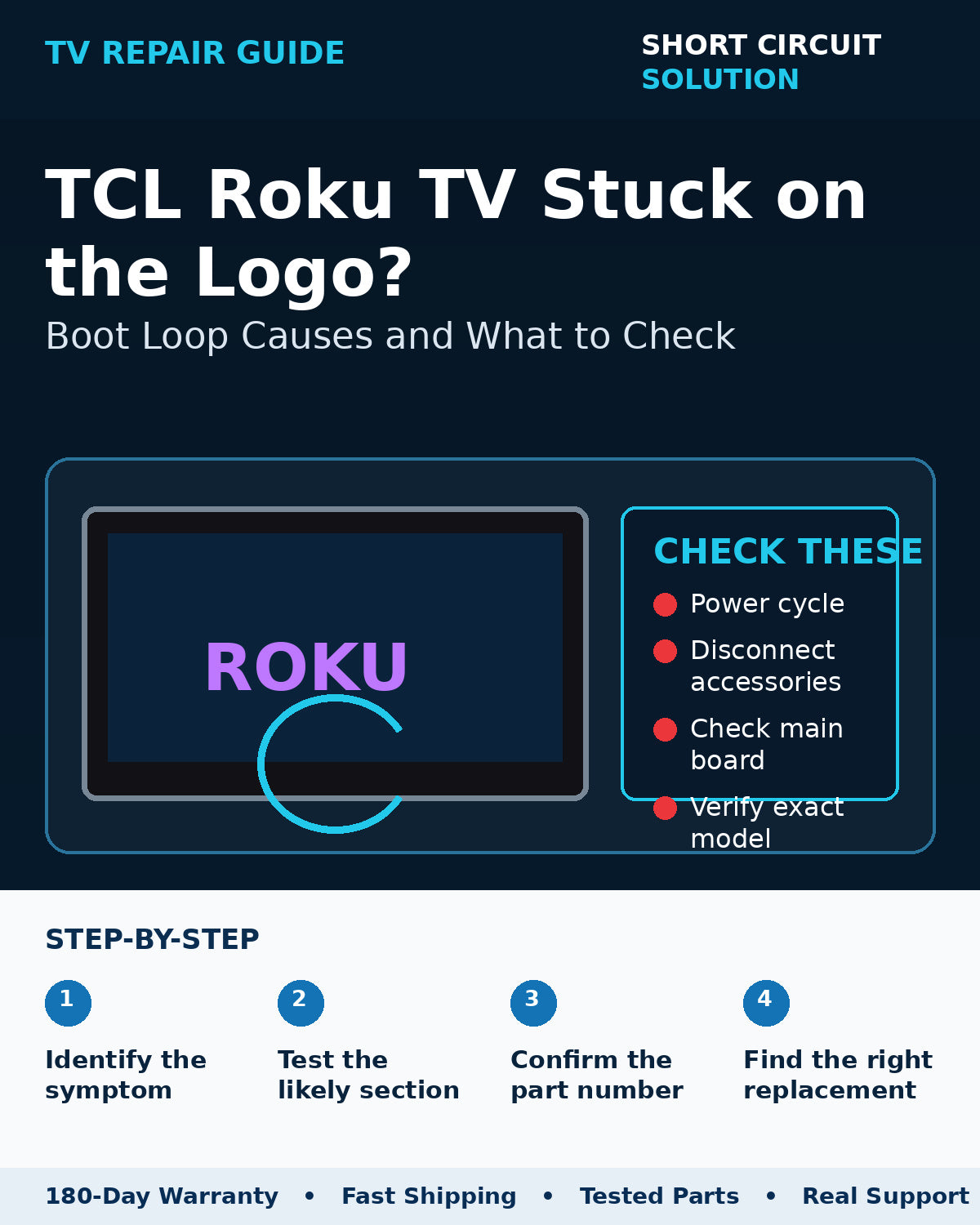
A TCL Roku TV that reaches the logo and then freezes or restarts is completing at least part of its startup sequence. That makes the symptom different from a completely dead TV and helps narrow the likely causes.
Remove external devices first
Disconnect HDMI devices, USB drives, soundbars, and network accessories, then power-cycle the TV. A misbehaving external device or HDMI-CEC interaction can occasionally hold a smart TV in a bad startup state.
Try the basic reset path
Allow the TV to remain unplugged long enough for the internal power rails to discharge, then reconnect it. If the set has a physical reset button, follow the model-specific reset procedure before assuming a hardware board has failed.
When the main board becomes a stronger suspect
Persistent boot loops after a clean reset can be caused by corrupted storage, failed memory, unstable voltage to the main board, or a main-board hardware fault. A board replacement should still be matched by the exact part number rather than only by screen size or model family.
Rule out unstable power
If the set restarts when the backlights come on or at the same point in every boot, verify that the power supply is stable under load. A weak supply can imitate a main-board boot problem.
Before you order a replacement
Photograph the original board label, the TV model/serial label, and the connector layout. Compare those details to the replacement listing and avoid ordering only from appearance. If you are unsure, contact us with the photos before purchasing.
Short Circuit Solution stocks tested TV parts backed by our 180-Day Warranty. Match the exact part number whenever possible, and contact us if you need help confirming compatibility.
Safety note: TVs can contain hazardous voltages even when unplugged. If you are not comfortable working around electronic power supplies, use a qualified technician.