
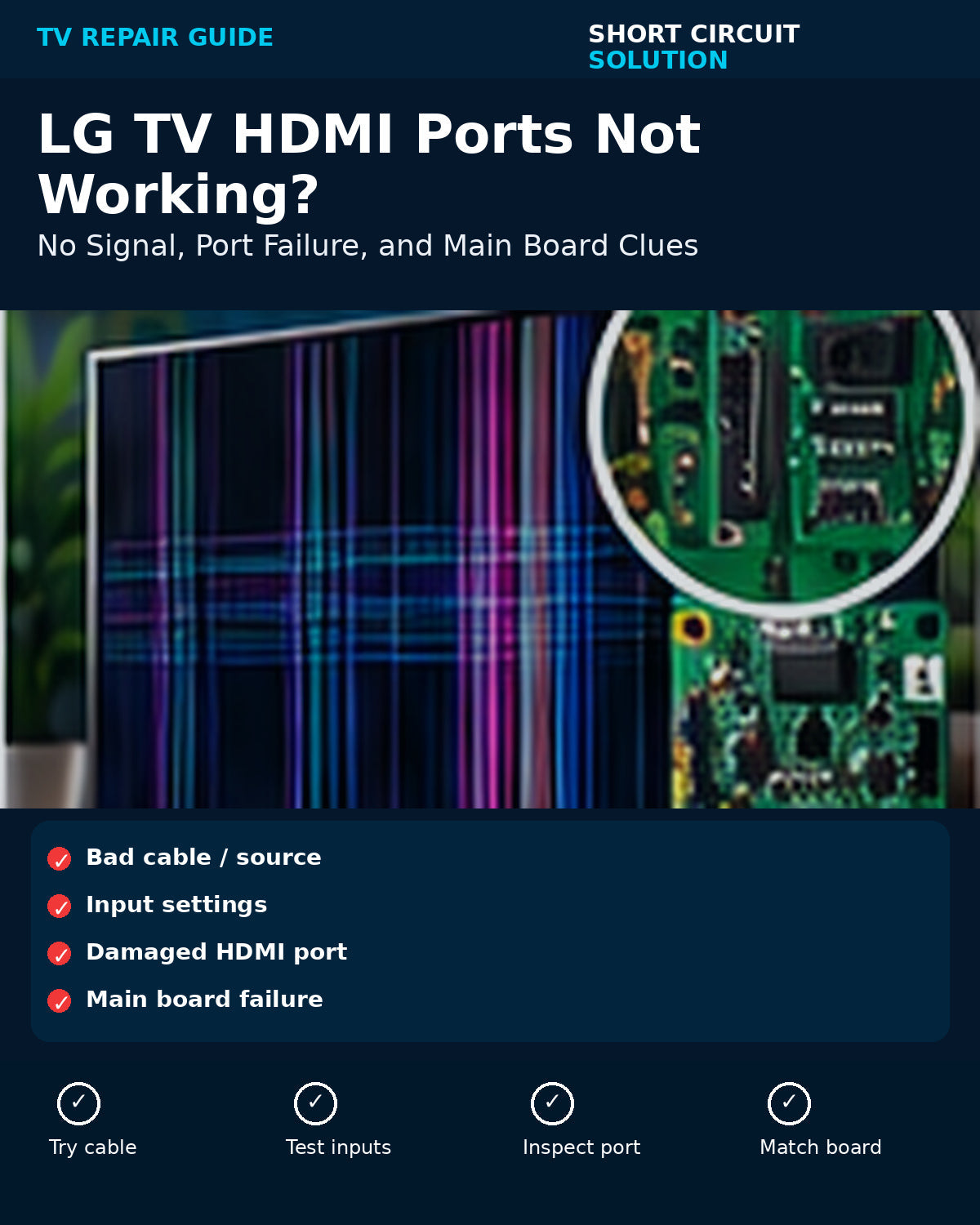
An LG TV that shows “No Signal” on HDMI may have a simple cable or source issue, a damaged individual port, or a fault on the main board. The fastest diagnosis is to change one variable at a time.
Test a Known-Good Cable and Source
Try a different HDMI cable and a different device. Then test the same device on another TV if possible. This prevents replacing a board because of a bad cable or source.
Compare Every HDMI Port
If one port fails but the others work, inspect that connector for bent pins or physical damage. If every HDMI input fails while built-in apps work, the HDMI section of the main board becomes more likely.
Check Input and Handshake Settings
Confirm the correct input is selected and power-cycle both devices. Resolution, HDCP, and HDMI-CEC handshakes can occasionally create a false “No Signal” symptom.
When the Main Board Is the Likely Repair
Multiple dead HDMI ports, intermittent detection across known-good devices, or visible port damage on a board-level connector can justify main-board replacement or professional board repair.
Match the LG Board Number
Use the assembly number from the original board. Our LG part-number guide explains EBT, EBR, EAY, and EAX identifiers.
Need Help With Your Repair?
If you are unsure which part you need, send us your TV model number, the exact part number from the original board, and a few clear photos. Our team can help you verify the match before you order.
Short Circuit Solution sells tested replacement TV parts backed by our 180-Day Warranty. We recommend matching by the original part number whenever possible instead of relying on appearance alone.
Safety note: Disconnect power before opening a TV. Power-supply sections can retain dangerous voltage after the set is unplugged. If you are not comfortable working around electronics, use a qualified technician.