
Start With the Simple Power Checks
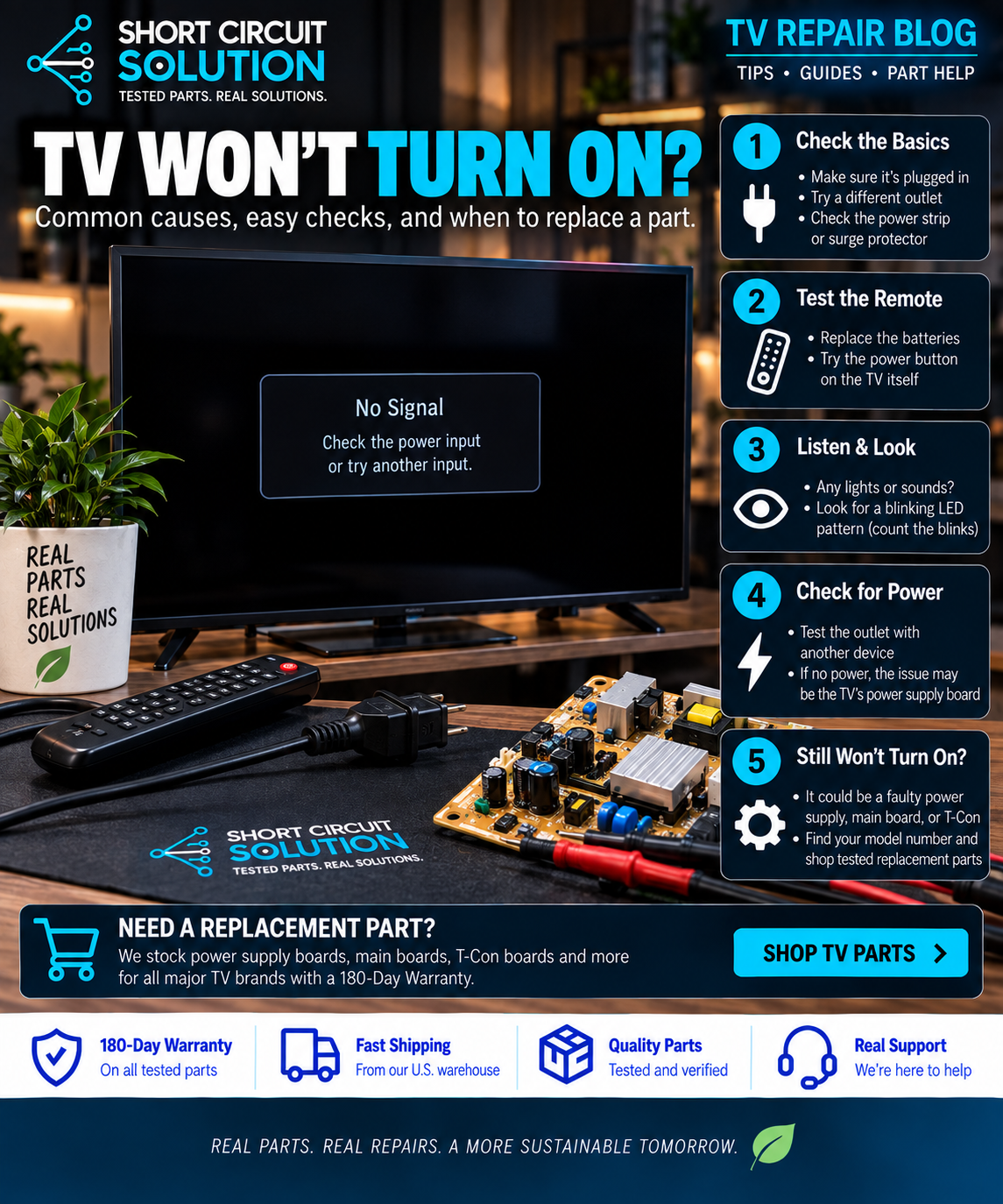
If your TV will not turn on and has no standby light, first verify the wall outlet with another device. Bypass surge protectors or power strips temporarily and inspect the detachable power cord, if equipped. A failed outlet or loose cord can look exactly like an internal TV failure.
What Does the Standby Light Tell You?
A standby light means at least part of the television is receiving power. If the light is present but the TV will not start, the problem may involve the main board, power supply, backlights, panel protection circuitry, or another component depending on the model. If there is no standby light at all, the power-supply section becomes an important area to inspect—but it is not automatically the only possible cause.
Common Causes of a TV With No Power
- Power supply failure: damaged components, failed standby circuitry, or a blown fuse can prevent startup.
- Main board failure: the main board can fail to send the power-on command or can lock the TV in an abnormal state.
- Shorted component: a short elsewhere in the set can force the power supply into protection.
- Backlight or panel-related protection: some models attempt to start and immediately shut down when another circuit is failing.
- External power issue: outlet, cord, surge protector, or power adapter failure.
Listen and Watch Closely When You Press Power
Note whether you hear a relay click, see the standby LED change color, see a brief screen flash, hear audio, or observe a repeating blink code. Those details can separate a truly dead set from a TV that is starting and then entering protection.
Inspect the Power Supply Safely
Disconnect the TV from power before removing the rear cover. Look for obvious damage such as burned areas, cracked components, bulging capacitors, damaged connectors, or a visibly blown fuse. Visual inspection alone cannot prove that a board is good or bad, and televisions can retain hazardous electrical charge after being unplugged.
Do Not Order by Appearance Alone
If testing points to a replacement board, identify the exact assembly or service part number from the original board. One TV model can use several board revisions that look nearly identical. Compare the complete part number and compatible-model information before ordering.
How to Find the Correct TV Board Part Number
Need Help Identifying the Part?
Send Short Circuit Solution a clear photo of the original board labels and the complete model number from the rear of the TV. We can help you determine which number to search. Our used tested TV parts are backed by our 180-Day Warranty.
Always disconnect the television from power before accessing internal components. TVs can contain hazardous voltages and stored electrical charge.