
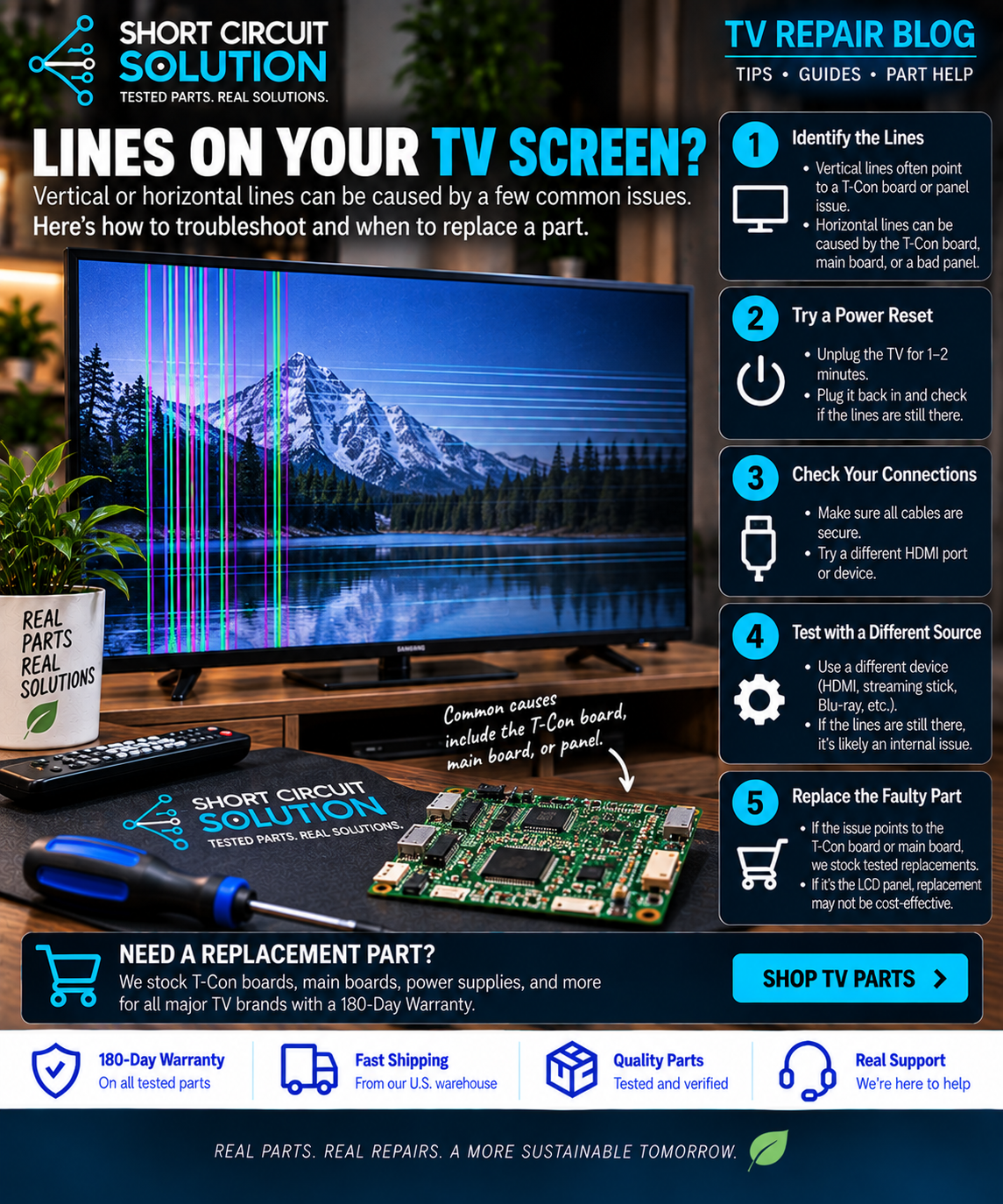
First Determine Whether the Lines Come From the TV
Open the television's built-in menu or settings screen. If the lines appear over the TV menu as well as your normal picture, the problem is likely inside the television rather than the cable box, game console, streaming device, or HDMI cable. If the menu looks normal, test another input, cable, and source device before opening the TV.
Common Types of Screen Lines
One fixed vertical line can point toward a panel or column-driver issue. Groups of vertical lines can involve panel connections, T-Con circuitry, or ribbon-cable problems. Horizontal bands or lines can also originate in the panel, timing circuitry, or signal path. A picture that changes when the TV warms up or when a connector is disturbed provides another useful clue.
Where the T-Con Board Fits In
On many LCD televisions, the T-Con board helps time and distribute image data to the display panel. A T-Con fault can create distorted images, washed-out video, half-screen problems, or lines—but lines do not automatically mean the T-Con is bad. Many modern televisions integrate timing functions differently, and panel failures can produce very similar symptoms.
Check Ribbon and LVDS Connections
With the TV unplugged, inspect accessible signal cables and ribbon connections for obvious damage, contamination, crooked seating, or torn contacts. Never force a ribbon connector. Panel ribbons are extremely delicate, and damage can turn a repairable problem into a failed panel.
When the Panel Is the Likely Cause
If a line remains in exactly the same location on every input and menu, especially a single thin vertical line, the display panel or its bonded driver circuitry becomes a strong possibility. Panel failures generally are not corrected by replacing the main board, power supply, or T-Con.
Before Ordering a Board
Confirm the complete part number from the original component rather than buying solely by TV model or board appearance. Similar-looking boards can have different firmware and panel compatibility.
Part Number Identification Guide
Short Circuit Solution Can Help
If you have narrowed the issue to a replaceable board, send us your model number and clear photos of the board labels. Our used tested TV parts are backed by our 180-Day Warranty.
Always disconnect power before opening a television. Avoid touching exposed power-supply circuitry and fragile panel ribbons unless you are qualified to service them.